








Track the releases that matter
Follow a game to find it again in your personal area and get notifications when release dates, platforms or trailers change.
Create your accountPlayority Calendar
Browse the Playority calendar for upcoming Nintendo Switch games, with confirmed dates, Switch releases and Switch 2 titles. Switch month, follow the games you care about and get notified when new updates arrive.
Latest changes from game pages
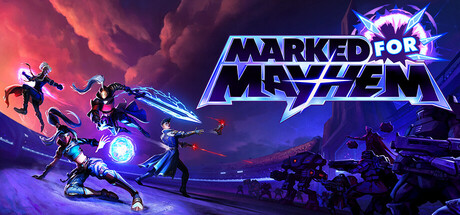 Marked For Mayhem New page ◷ Updated today
 Virtue and a Sledgehammer New page ◷ Updated today
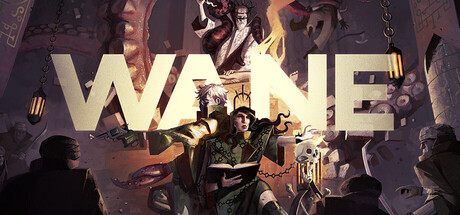 WANE New page ◷ Updated today
 Lufia I & II The Sinistrals Saga Platform added ◷ Updated today
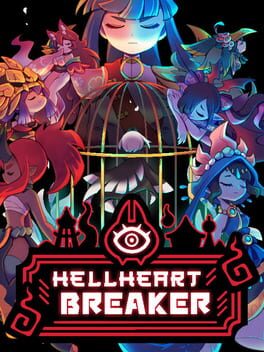 HellHeart Breaker Platform added ◷ Updated today
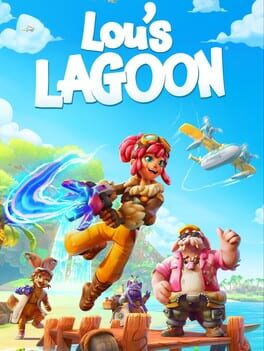 Lou's Lagoon Release date added ◷ Updated today
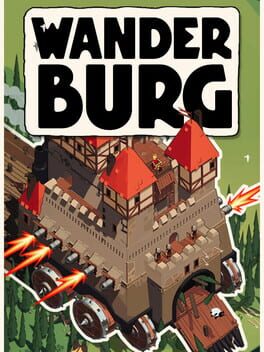 Wanderburg Trailer added ◷ Updated 19 September 2026
 Zozo and the Lost Dreams New page ◷ Updated 18 September 2026
 Diablo IV New page ◷ Updated 18 September 2026
 Ved: Recure Release date added ◷ Updated 18 September 2026
 Follow a game to find it again in your personal area and get notifications when release dates, platforms or trailers change.
Create your accountThe Playority dashboard helps you separate the games you want to follow, the ones you want to play soon and the titles you want to keep in your backlog, starting directly from the calendar.
Organize your backlogA Playority account lets you follow games, find them in your personal dashboard and organize them by priority, platform and upcoming release.
Followed games are titles you want to track for updates about dates, platforms and trailers. The backlog is for titles you want to recover, organize or play later.
Yes. The calendar can be browsed freely. An account is only needed to save games and manage them in your personal area.
Saving a game makes it easier to find it again and helps you build a personal list connected to your releases, platforms and priorities.