
Track the releases that matter
Follow a game to find it again in your personal area and get notifications when release dates, platforms or trailers change.
Create your accountPlayority Calendar
Browse upcoming PC, PlayStation, Xbox and Nintendo releases. Save the games you want to follow in your personal Playority list.
Latest changes from game pages
 BrokenLore: Don't Lie Release date added ◷ Updated today
 The Relic: First Guardian Release date added ◷ Updated today
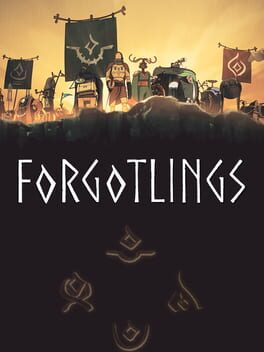 Forgotlings Release date added ◷ Updated 14 June 2026
 The Walking Dead: Streets of Survival Trailer added ◷ Updated 12 June 2026
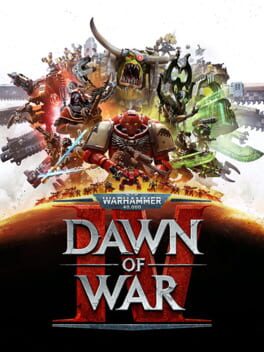 Warhammer 40,000: Dawn of War IV Delay ◷ Updated 12 June 2026
 The Blood of Dawnwalker Delay ◷ Updated 12 June 2026
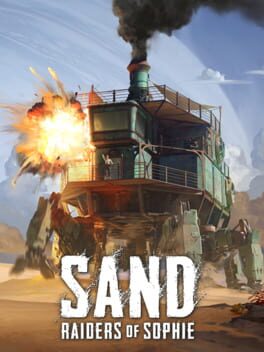 SAND: Raiders of Sophie Release date added ◷ Updated 12 June 2026
 Zenless Zone Zero Release date added ◷ Updated 12 June 2026
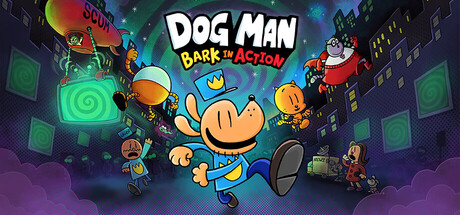 Dog Man: Bark in Action Trailer added ◷ Updated 11 June 2026
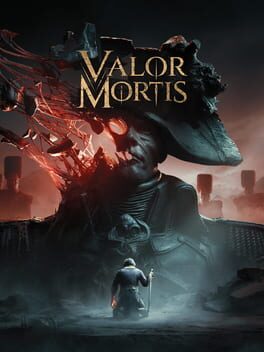 Valor Mortis Delay ◷ Updated 11 June 2026
 Follow a game to find it again in your personal area and get notifications when release dates, platforms or trailers change.
Create your accountThe Playority dashboard helps you separate the games you want to follow, the ones you want to play soon and the titles you want to keep in your backlog, starting directly from the calendar.
Organize your backlogA Playority account lets you follow games, find them in your personal dashboard and organize them by priority, platform and upcoming release.
Followed games are titles you want to track for updates about dates, platforms and trailers. The backlog is for titles you want to recover, organize or play later.
Yes. The calendar can be browsed freely. An account is only needed to save games and manage them in your personal area.
Saving a game makes it easier to find it again and helps you build a personal list connected to your releases, platforms and priorities.